Skip to content
Appmake
KallebyAppmakeKalle Design

Design that looks considered

Kalle Design is the Kalle by Appmake model for layout, type, colour and detail. It turns a rough idea into screens that look like a designer made them, in real code.

Brand kitFigma importDesign system export
marloweceramics.co.uk
Kalle Design· setting the layout grid
2×more screens approved on the first try
AAcontrast checked on every screen
1 clickto apply your brand kit
2 creditsper step, on every plan
Example figures. Replace with published results.
KallebyAppmake

Four prompts, four pages

Each example started as one sentence. Kalle Design chose the type, colour and layout, and Appmake built it as a real site.

form26.dk
FORM/26Design festivalExamplePrompt“A site for a three-day design festival in Copenhagen. Swiss, loud, one colour.”Expanded groteskStrict gridSignal red
maisonvera.fr
Maison VéraPerfume houseExamplePrompt“A launch page for a niche perfume house in Paris. Dark, quiet and expensive.”Didone italicCentredMoss and gold
getpenny.app
PennySavings app for teensExamplePrompt“A landing page for a savings app for teenagers. Bright, friendly and a bit cheeky.”Rounded groteskStacked cardsLilac and lime
bodegasol.dk
Bodega SolTapas barExamplePrompt“A website for a tapas bar in Aarhus. Loud and warm, like a hand-painted sign.”Condensed blackMarqueeTomato and mustard
KallebyAppmake

Pick a style. Watch it change.

Kalle Design changes type, colour, corners and spacing together, so every screen stays consistent. Pick a style, then try the page.

New glaze
Mugs · StonewareEveryday mug4.9 · 312 reviews£24or 3 × £8Glaze · OatSizeAdd to cartFree delivery over £50 · Ships in 2 days
TypeGeist 600
Corners22 px
Accent#1C1B1A
MoodQuiet, warm, generous space
KallebyAppmake

Paste a link. Get the brand.

Give Kalle Design a website you own or like. It picks out the colours, fonts and tone, and uses them across your app.

Try:
  1. Reading the site
  2. Finding the colours
  3. Finding the fonts and tone
Example brands, for the demo
Marlowe Ceramicsmarloweceramics.co.ukReading…
#1C1B1A#F3E6DA#C2410C#7A8B6F
DisplaySatoshiTextLora
Tone of voiceWarm, calm, handmade
KallebyAppmake

From Figma or a screenshot to a live page

Paste a Figma link or drop a screenshot. Kalle Design rebuilds it as real, responsive code that uses your components.

Product page Header Hero Product card Footer
  1. Reading the layers
  2. Matching your components
  3. Writing the code
  4. Checking it on mobile
components/product-card.tsx
KallebyAppmake

Before and after, on the whole page

Kalle Design redesigns full pages, not just components. Drag the handle to compare.

BeforeAfter Kalle Design
KallebyAppmake

Animations that feel right

Four signature components, plus twelve of the small moments Kalle Design builds into every app. Drag, tilt, turn and tap them.

Ash mug × 2Arrives Thursday£48
Slide to pay £48
Slide to paySignatureS1A deliberate gesture for a big moment. Drag the handle all the way to pay.
MarloweCLUB•••• 2026Ada Lind · Member since 202410%off every order
Club cardSignatureS2The card tilts with your pointer, and the foil catches the light.
Oat glaze
Glaze dialSignatureS3Turn the dial and the mug changes glaze. It snaps to each colour.
Tap the pill
Order islandSignatureS4A live status pill that opens into the full delivery tracker.
Plus twelve everyday ones
Press01Buttons give way under your finger, then spring back.
Toggle02Switches travel with a small bounce, so the change feels physical.
Like03A quick pop makes a small action feel rewarding.
Add to cart04Clear confirmation, and the bag counts up so you know it worked.
Pay05Loading, then done, in the same button. No jumping layout.
1
Quantity06Numbers roll in the direction you count.
Rating07Stars fill in a wave as you hover, and stay where you click.
Segmented08The selection slides between options instead of jumping.
Copy09Instant feedback that the code is on the clipboard.
Changes savedUndo
Toast10Saved, with a way to undo, then it gets out of the way.
Type an email
Validation11Fields confirm a good answer as you type, and explain a wrong one.
Upload12Progress you can see, ending in a clear done.
KallebyAppmake

Take your design system with you

Everything Kalle Design decides is saved as tokens and components. Export them to Figma, CSS, Tailwind or JSON whenever you like.

:root {
  --color-ink: #1C1B1A;
  --color-paper: #FBF3EC;
  --color-accent: #C2410C;
  --radius-card: 18px;
  --radius-button: 999px;
  --space-4: 16px;
  --font-display: 'Satoshi', sans-serif;
}
Components
ButtonProduct cardInputBadgeNavigationCart drawerFooterEmpty state
Export to
  • Figma
  • CSS variables
  • Tailwind
  • JSON tokens
Change a token once, and every screen in your app updates with it.
KallebyAppmake

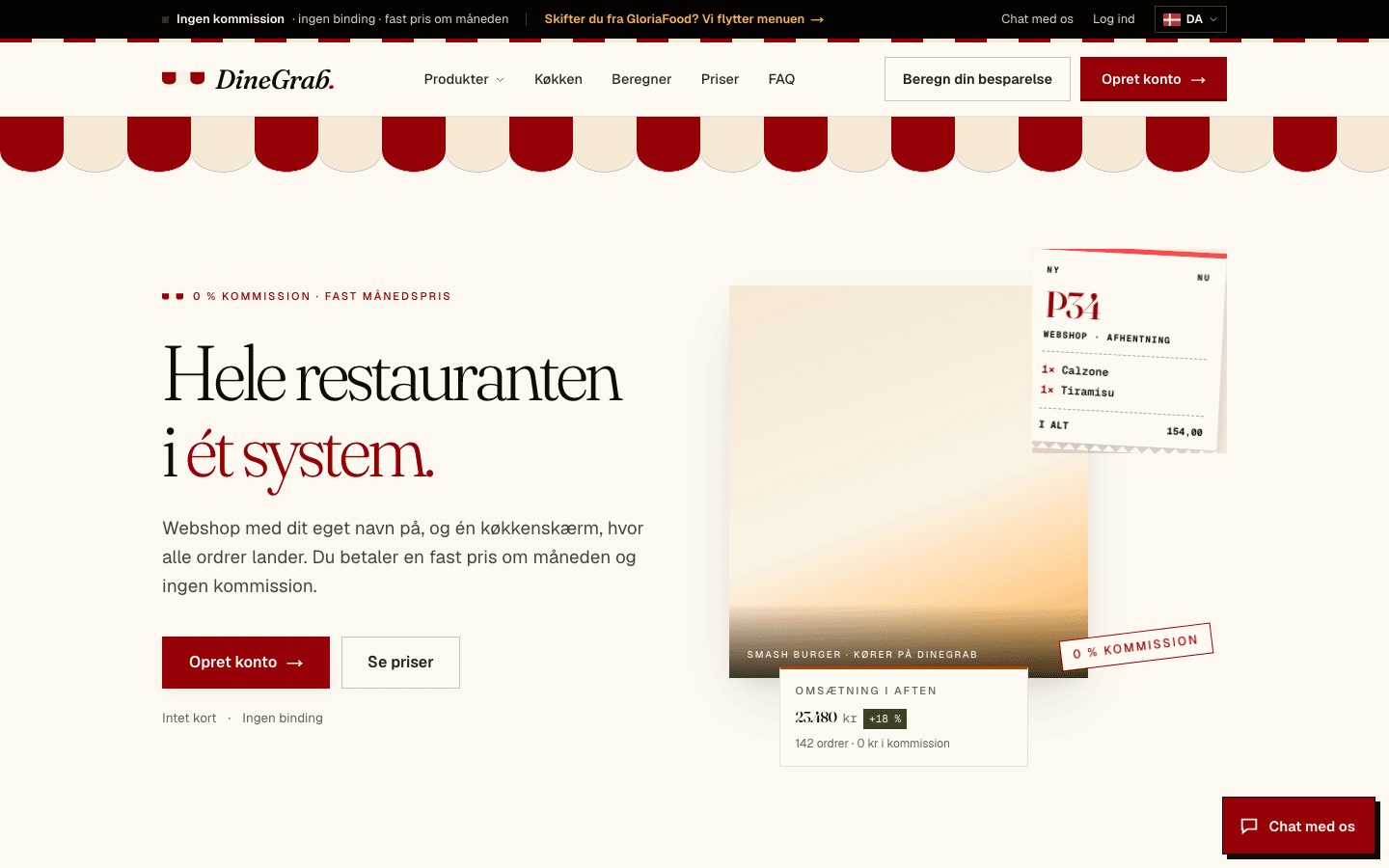
Designed with Kalle Design

Real companies, live today.
KallebyAppmake

Four models, one job

Auto picks the right Kalle by Appmake model for every step. You can also choose one yourself.

Included on every plan
Kalle DesignDesign
Kalle TurboCheapest
Kalle Turbo MaxDefault
Kalle Turbo UltraFlagship
Best for
Layouts, styling and visual polish
Quick edits and everyday changes
Full builds with solid reasoning
The hardest builds, the biggest jobs
Speed
Reasoning depth
Credits per step
Available on
Every plan
Every plan
Every plan
Every plan
KallebyAppmake

Questions about Kalle Design

When the look matters most: landing pages, redesigns, brand work and polish. Auto switches to it for design steps by itself.

Yes. Everything it designs is built as working screens in your app, not as a picture.

Yes. Paste a link or add a brand kit, and it keeps to your colours, fonts and tone.

Yes. Paste a Figma link or drop a screenshot, and it rebuilds the design in code.

Yes. Tokens and components export to Figma, CSS, Tailwind or JSON.

2 credits per step, the same as Kalle Turbo Max. It is included on every plan.

Build with Kalle Design

Included on every Appmake plan. Kalle by Appmake never trains on your projects.